Taming the API Waterfall: Visualizing Latency in Local Dev

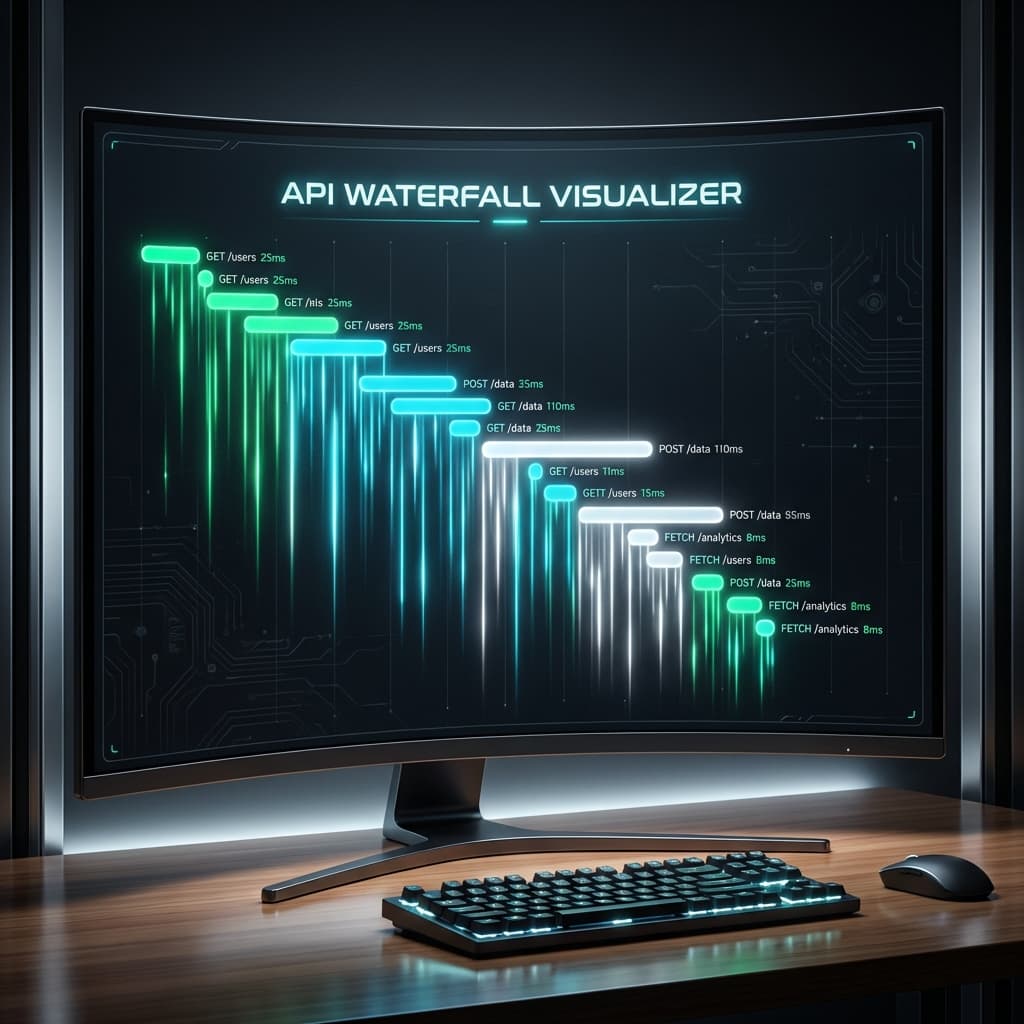
The "Loading... Loading... Loading..." Problem
You've built a beautiful dashboard. But when it loads, the user sees a spinner for the sidebar, then a spinner for the main content, then another spinner for the user profile. This is the classic API Waterfall.
An API waterfall occurs when multiple network requests are made sequentially instead of in parallel. In local development, where latency is near zero, these bottlenecks are often invisible. But in production, they turn your 200ms page load into a 2-second frustration.
Visualizing the Chain with DevConsole
The standard browser network tab is great for listing files, but it’s terrible at showing dependency. DevConsole's Network Feature is designed to highlight the "why" behind the delay.
1. Identifying Parallelism Gaps
When you open the Network Log in DevConsole, look for the staircase pattern.
- Bad: Request B only starts after Request A completes.
- Good: Requests A, B, and C start simultaneously.
2. Deep Linking Requests to Components
One unique feature of DevConsole is the ability to see which code block triggered which request.
- The Discovery: You might find that a high-level component is waiting for data, which then triggers a child component to fetch more data.
- The Optimization: Move those fetches to a single
Promise.all()or use a server-side pre-fetch strategy like Next.jsgenerateStaticParams.
"Performance optimization is 90% visibility and 10% coding. If you can't see the waterfall, you can't fix it."
FAQs: Mastering API Performance
What is the most common cause of API waterfalls?
The most common cause is "Nested Fetching." This happens when a parent component must finish loading before it renders a child component that has its own useEffect fetch.
How does DevConsole help with microservice latency?
DevConsole allows you to mock network latency in your local environment. By adding a virtual 500ms delay to your local APIs, waterfalls that were invisible on localhost become immediately obvious.
Should all requests be parallelized?
Not necessarily. Some requests depend on the output of others (e.g., fetching a user's ID before fetching their specific posts). However, most metadata and UI configuration fetches can and should be grouped together.
Related Reading
- Network Mastery: A complete guide to API Testing with DevConsole.
- Tooling ROI: Why Integrated Environments matter for performance.
Video & Documentation References
- Remotion Transitions: See how we refined transitions to hide loading states.
- Vercel Edge Config: Best practices for Global Latency Reduction.
Stop guessing why your app feels slow. Install DevConsole and visualize your performance today.
Founding developer offer
Debug the state your users actually experience
Inspect auth, replay requests, and force edge cases without leaving your app.